
Trying to Start Journaling? Here's the One Thing That Actually Makes It Stick
Does this sound like you?
You've tried journaling before. You write for a few days, maybe even a week, and then it just quietly stops. No dramatic reason, you just forget, or life gets busy, and the journal sits closed on the nightstand until you feel guilty enough to either start again or give up on it completely.
So now you're stuck weighing it up. A physical book feels more personal, but you have to carry it around or remember to sit down with it at the "right" time, and that friction is exactly what killed it last time. An app is always in your pocket, but you're worried it'll just feel like another screen task, another notification to dismiss, instead of something that actually feels like yours.
The real answer: it's the streak, not the format
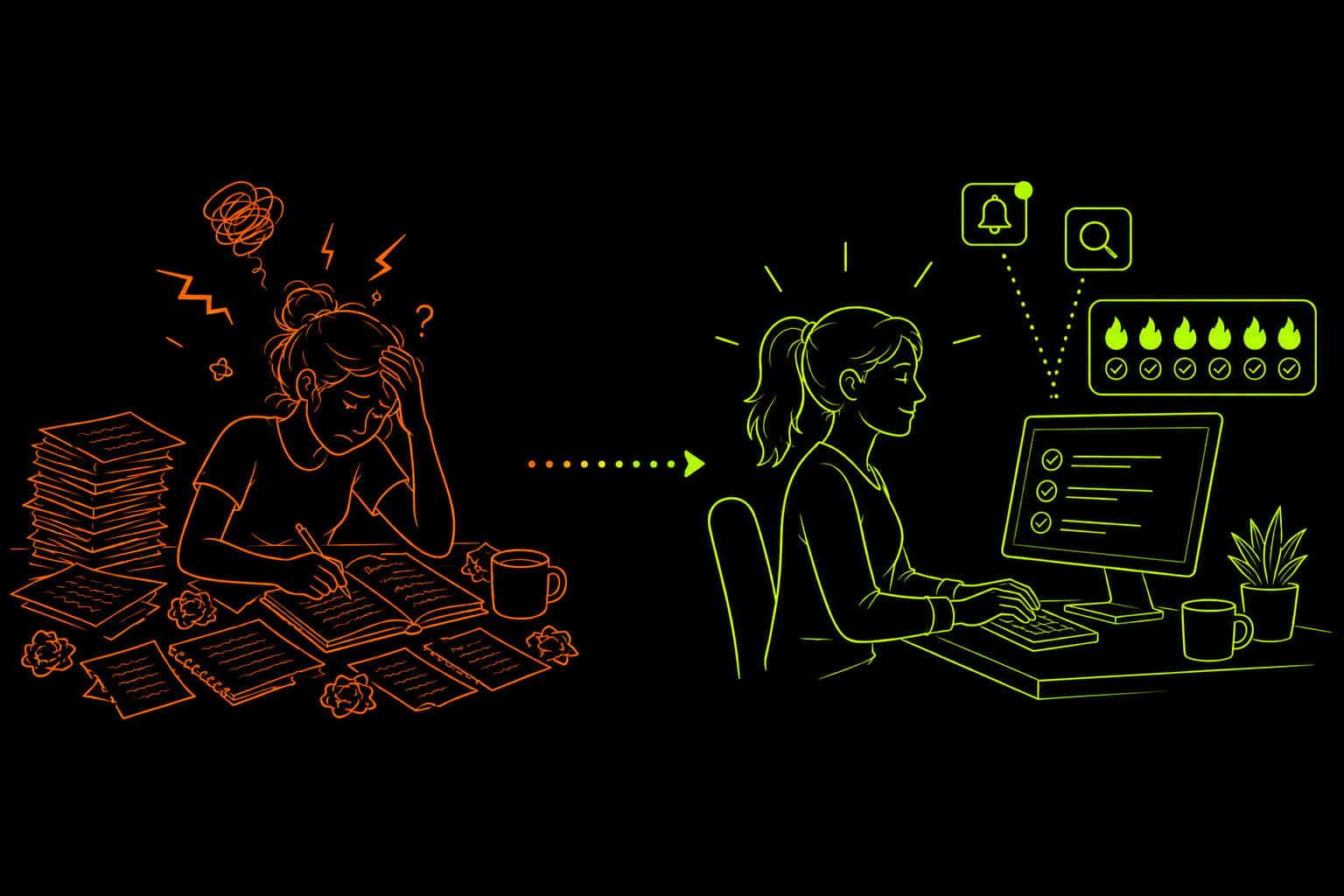
Here's the thing, the format barely matters. What actually keeps people journaling consistently is having a visible streak and a reminder that fires at the same time every day, so you're never relying on remembering or finding the perfect moment. The friction of "where's my journal" or "I'll write later" is what kills the habit, not whether the page is paper or a screen.
In Scythe, streaks are tracked over the rolling past 21 days. The simplest setup is just one task in a "journal" category with a daily reminder. You tick it off each day you write, and the streak itself becomes the motivation to not break the chain.
A few things worth knowing
- Scythe is available on iOS, Android, and macOS (as an iPhone app), with web coming soon.
- Tasks can double as journal entries, just write the entry in the task itself.
- Entries are never deleted. After 21 days a task auto-archives into the "old tasks" section, which you can reveal anytime from the 3-dot menu on the tasks page, so old entries stay around forever, just out of the way.
- You can set a theme on the settings page to help set the mood before you write.
- Voice entry works too, if typing feels like more friction than talking.
- Once you've built up some entries, the AI chat page is a nice way to actually talk to your journal, and you can search past entries whenever you want to look something up.
Set Up Your Daily Journal Reminder in 5 Minutes
Download Scythe, the voice-first AI to-do list (it's free)

Sign-in
Navigate to the settings page and enable notifications. The reminder is the whole point here, so don't skip this.
Navigate to the rewards page and enter this code to get 100 AI Credits
EBC9HMNavigate to the chat page and at the bottom click "Voice on" & "Auto-approve on" - this will let the app talk out loud to you and automatically make edits.
Navigate to the chat page and paste this prompt in and hit send:

Scan this on your phone to open this post there, then use the button below to copy the prompt straight into the app.
Help the user build a daily journaling habit using a streak instead of relying on willpower or memory.

Mention to the user: tasks can double as journal entries, entries are never deleted (after 21 days they auto-archive into the "old tasks" section, which can be revealed anytime from the 3-dot menu on the tasks page, but they stay there forever), they can set a theme on the settings page to help set the mood for journaling, voice entry works if typing feels like too much friction, and once they have entries built up the chat page is a great way to talk to their journal, with search available for past entries.

Ask the user what time they'd like to be reminded to journal each day.

Create a single task "daily journal" with a "reminder" category with a daily recurring reminder at that time so they can tick it off and keep their streak alive.

Once the journaling task is set up you could ask if they have any other goals they'd like help with.
That's it! Just chat with the AI to set your reminder and you're set. The system runs for free, forever - the only cost is AI credits and speech detection, and you can earn more by inviting friends or go Pro for nearly unlimited access (up to 75 msg per day).
Want a real human instead? Email me at scythe@soniare.net - I'm happy to help. You've got this!